
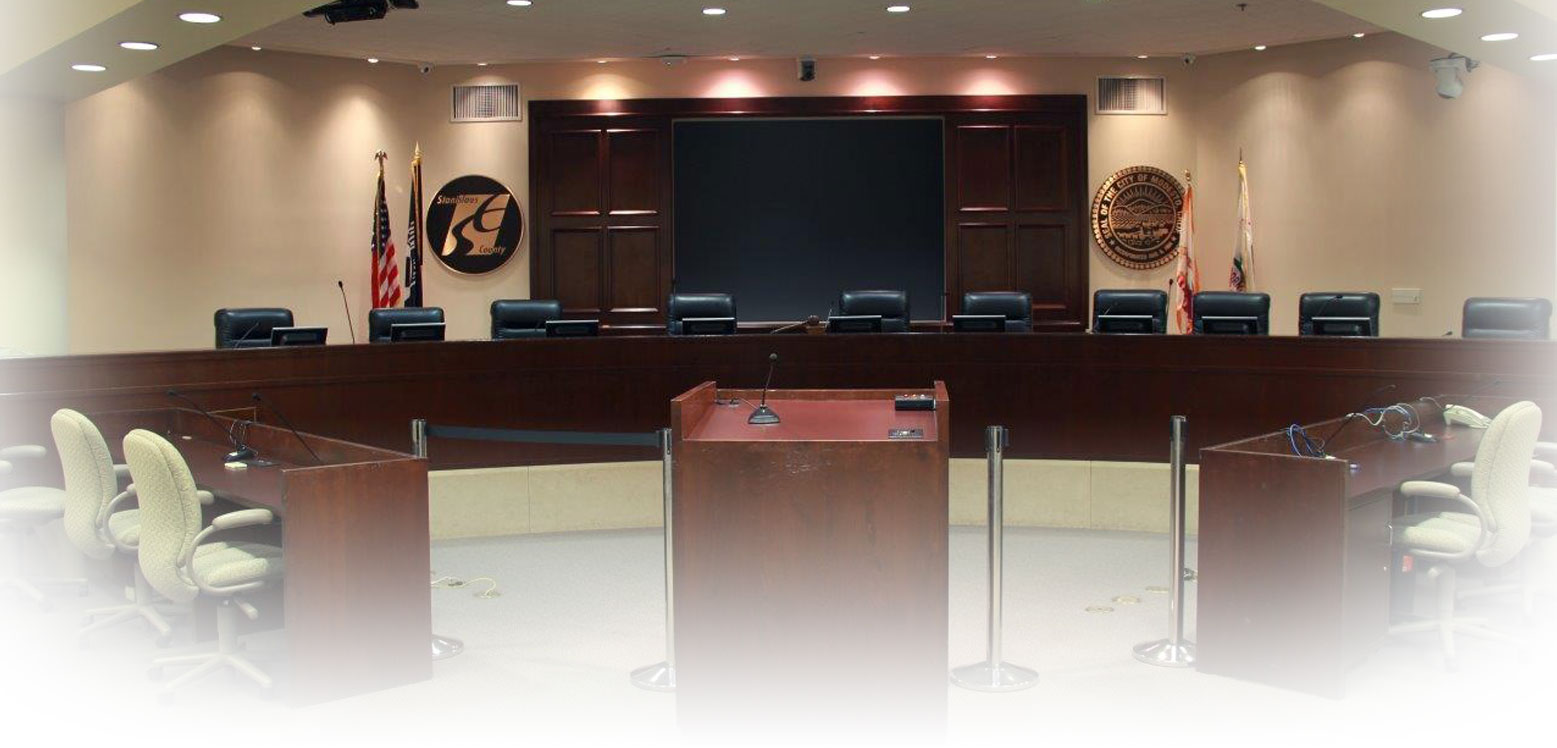
How to Sign Up to Speak
- Go to https://Join.StanCounty.com
- Click the meeting
- Click Register
- Fill in your details
- Choose how you want to provide your comments
- Select the agenda items you want to comment on and, if you'd like, whether you are In Favor (for), Neutral (neither for or against) or Opposed (against) to the agenda item's recommendations. To speak about matters that are not on the agenda, choose Non-Agenda Public Comment.
- Click Register
- If you need the information translated in a different language, click the Translate button at the side of the page and select your preferred language. You may also click the ReciteMe button.
- Select the meeting at which you would like to speak.
- Click Register or click View Page for more details.
- If you need the form to appear in a language other than English, click the Translate button.
Important Notes
Name
Providing the name you would like to be identified as during the meeting will assist staff to match registered speakers with callers waiting in the virtual line of callers. Entries that do not reasonably appear to identify a person may not be announced when calling speakers.
Email Address
Providing an email address allows the system to confirm your registration and enables the Clerk of the Board to send important meeting-related communications. If you choose not to provide an email address, you will not receive these important communications. When an email address is provided, it will be used solely for Board meeting communications and will not be disclosed publicly.
Phone Number
A phone number is required if you will be speaking by phone. Register using the same phone number you will use to call into the meeting. Matching your phone number helps staff quickly identify and connect you when it is your turn to speak. Your phone number will not be made public. If you register with a different phone number, staff may be unable to identify your call, which could delay or prevent your opportunity to speak.
- Choosing In Person means you intend to be physically present at the meeting. Choosing Virtually means you will call in to provide comments.
- If you need a Spanish interpreter for your comments select, Yes (I need an interpreter).
You'll receive a confirmation email with next steps and meeting details making it easy to stay informed and ready for your turn to speak.
On the Day of the Meeting
To speak during the meeting, you must register your request with staff. Registration opens Friday evening after the agenda is posted and remains available throughout the meeting. Register before public comment begins, either at the start of the meeting or before the agenda item on which you wish to speak.
Speaking In Person
Scan the meeting-specific QR code in Chambers or complete a Public Comment Form and submit it to staff. Check in with staff upon arrival. When your name is called, proceed to the podium. The timer will indicate when one minute remains and when your speaking time has expired.
Speaking By Phone
You must both register to speak and call into the meeting. Dial the conference line at (209) 353-8391 using the instructions provided in your confirmation email. Confirmation emails are sent only to participants who provide a valid email address during registration. Automated prompts will notify you when you are next in line and when it is your turn to speak.
Cómo solicitar hablar
- En la sala, escanea el código QR proporcionado para esta reunión específica.
- Introduce tu nombre, número de teléfono (obligatorio), código postal (obligatorio) y dirección de correo electrónico (muy recomendable)
Si necesitas que el formulario aparezca en un idioma distinto al inglés, haz clic en el botón Traducir.
Selecciona en persona o virtualmente Elige el punto del orden del día sobre el que quieres hablar, o elige Comentarios Públicos No Agenda.
Envía tu formulario. Recibirás un correo electrónico de confirmación con los siguientes pasos y detalles de la junta.
El día de la junta
En persona: Consulta con el personal cuando llegues. Ve al podio cuando te llamen para hablar y mantente dentro del límite de tiempo.
Por teléfono: Llama al número que aparece en tu correo de confirmación. Te avisarán cuando te toque hablar.